
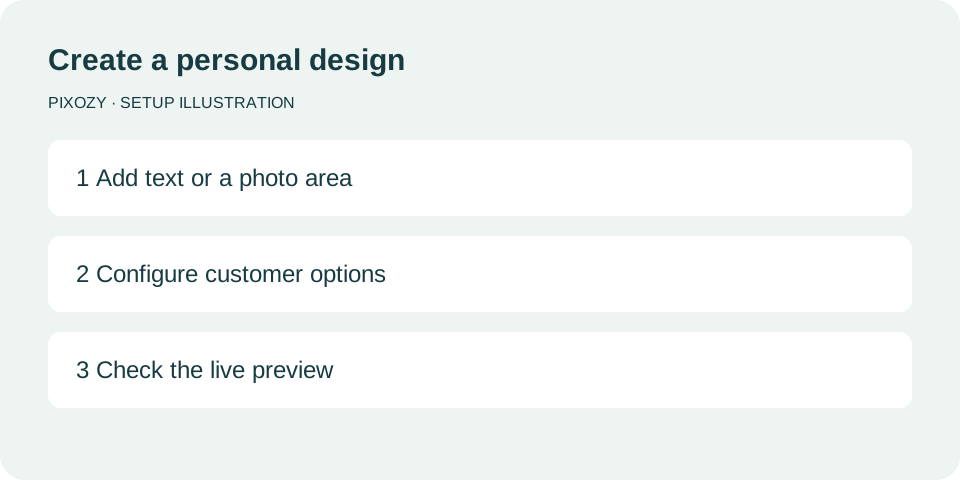
Build your design
Set up layers and personalization controls in one editor. The illustration summarizes the setup steps.
View setup illustration ↗Product personalization for Shopify & SHOPLINE
From names and photos to artwork and colors, let customers make a product their own. Configure a design, connect a product, and keep their choices with the order.
Shopify readySHOPLINE supported
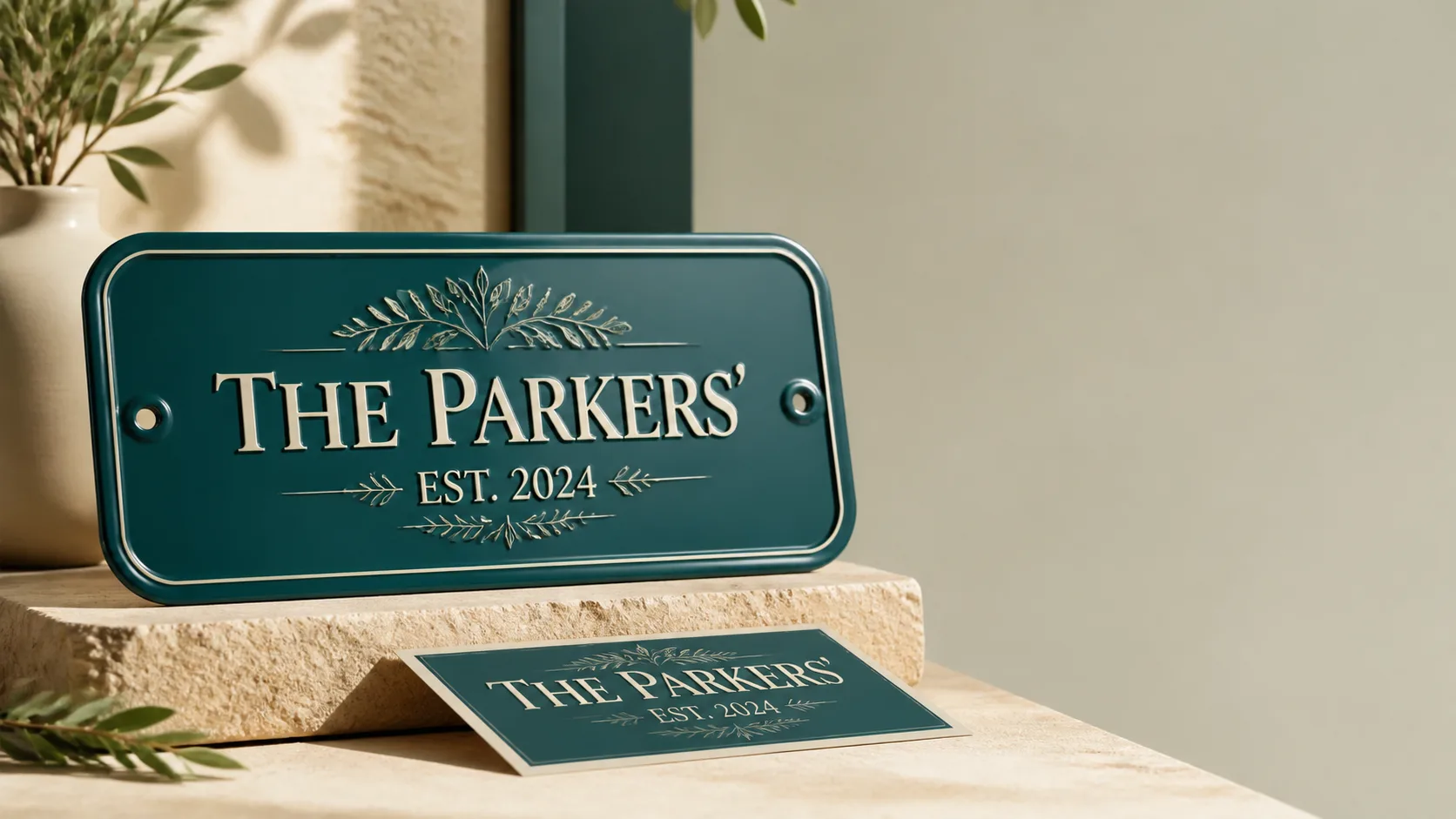 Personalized product concept · Feature captures and setup illustrations below
Personalization features & ideas
Text, photos, artwork, music and specialty effects let customers make products their own.
Names, dates and messages with font, single-color and multicolor choices.
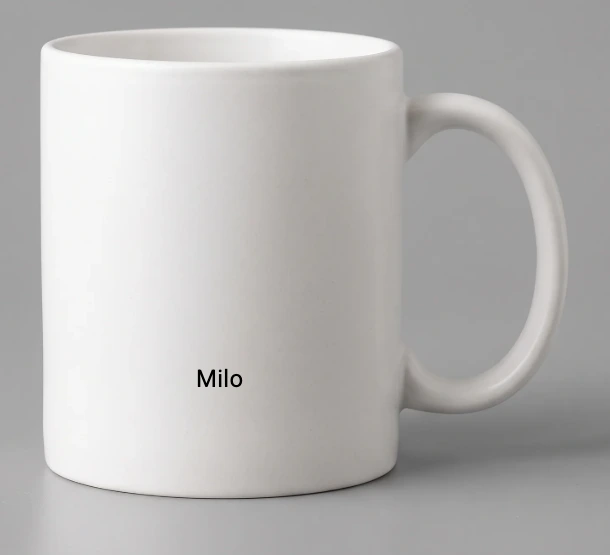 Enlarge ↗
Set up layers and personalization controls in one editor. The illustration summarizes the setup steps.
View setup illustration ↗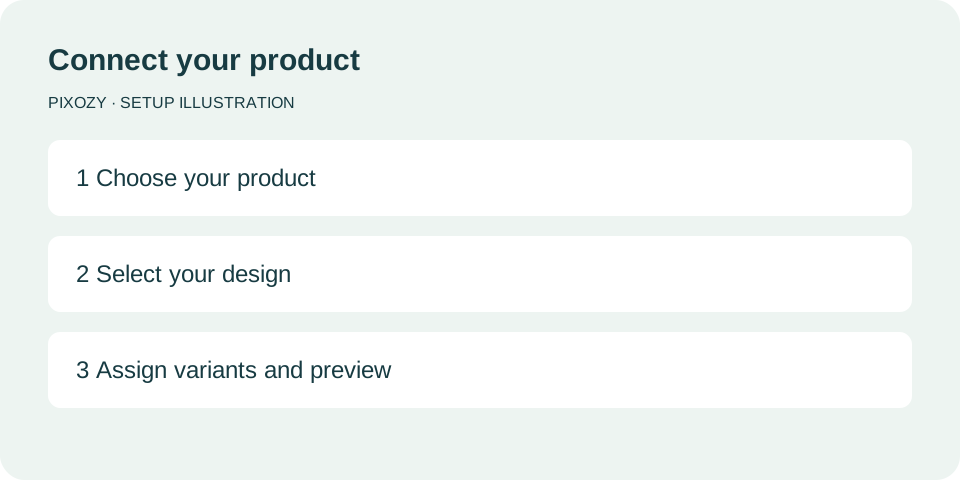
Choose the products that should use your design, then publish and check the storefront.
View setup illustration ↗How it works
Start small with one product, verify the complete buyer path, then reuse the workflow across the catalog.
Mockup, print area, layers, and buyer controls
Product and variant-safe configuration
Live preview and buyer input on the storefront
Locked order details and production output
Platforms
Pixozy provides Shopify and SHOPLINE workflows for creating and selling personalized products.
Install from the Shopify App Store, create artwork, bind products, publish buyer controls, and capture production-ready order data.
Explore Shopify →Create artwork, bind SHOPLINE products and variants, publish buyer controls, and preserve customization data for production.
Explore SHOPLINE →Shopify Billing
Pixozy is $29 / 30 days after the trial. Usage charges apply only to Shopify order items that contain Pixozy customization data, and every charge is approved and collected through Shopify Billing.
FAQ
Choose Install on Shopify or Install on SHOPLINE for your store. The corresponding app store handles installation and authorization. Then follow the setup guide to connect a design and add the theme block; installation alone does not enable personalization.
Yes. The SHOPLINE page explains the live workflow, SHOPLINE-hosted subscription, and setup path.
Verify the product page, buyer inputs, cart properties, checkout, Shopify order, preview output, and production output as one end-to-end path.
Install Pixozy, publish the first buyer experience, and test the complete product-to-production path.