
Buyer choices captured
Text, uploads, colors, clipart, and add-ons stay with the customized cart line.
Pixozy for Shopify
Configure text, photo, artwork and color choices for Shopify products. Customers see their preview; you review their choices and prepare production files with the order.
Shopify-native setup · Opens the Shopify App Store installation and authorization flow.
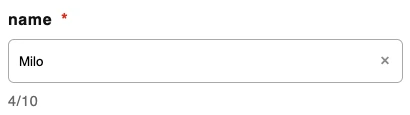
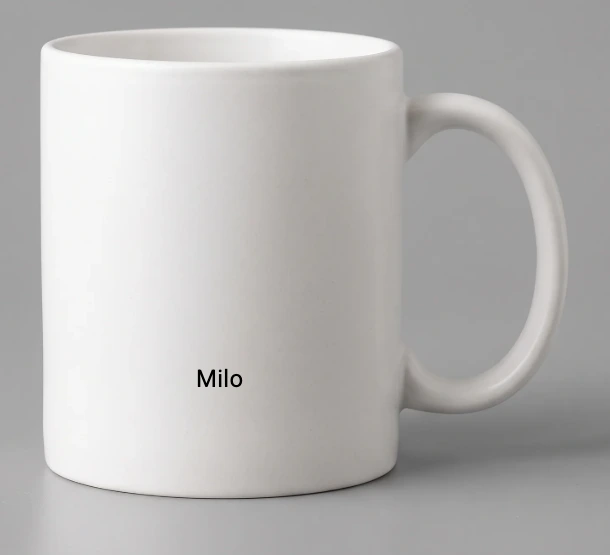
Your customer enters a name. The product preview updates to match.
 02 · See the preview →
 Tap to enlarge ↗
Shopify setup
Pixozy connects merchant setup, buyer personalization, cart context, and production evidence in one Shopify workflow.
Install from Shopify, approve access, and open Pixozy in Shopify Admin.
Set the mockup, print area, reusable layers, and buyer-facing controls.
Attach the artwork to products and variants, then publish the storefront experience.
Run product, cart, checkout, and order tests before using the production handoff.
Order integrity
Personalization is useful only when the approved buyer choices remain attached to the correct product and variant.
Text, uploads, colors, clipart, and add-ons stay with the customized cart line.
The customization follows the correct Shopify product and variant through checkout.
Preview, production output, and locked order details remain available for fulfillment.
FAQ
It opens the Pixozy listing in the Shopify App Store. Shopify then handles store selection, authorization, and app installation.
No. Pixozy adds the buyer controls and preview workflow to the product experience while Shopify remains responsible for product, cart, checkout, and order ownership.
Verify product and variant binding, buyer inputs, cart properties, checkout, the Shopify order, preview output, and production output.
Install Pixozy, build the first artwork, publish it to Shopify, and test the full buyer-to-production path.